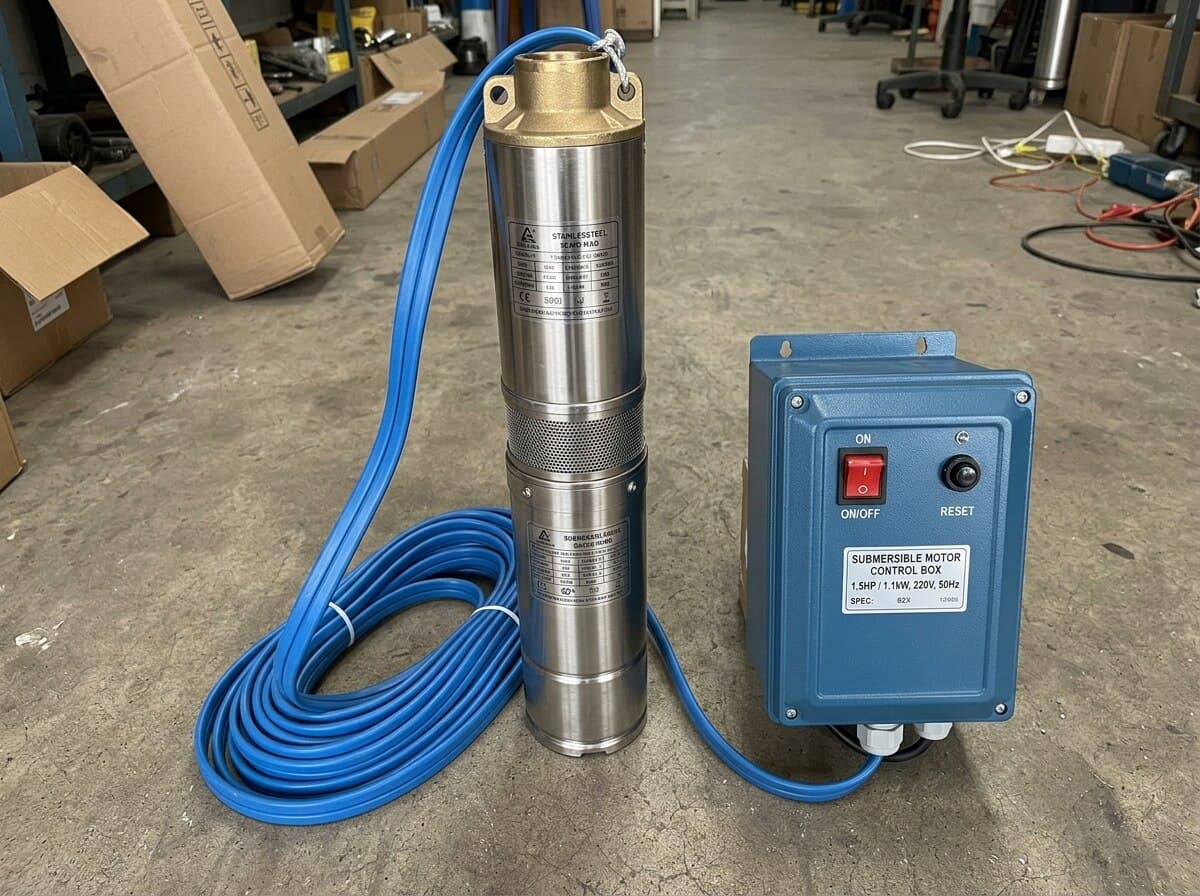
Welcome to the TankView support page. Here you can find information on instructions, installation instructions, and basic troubleshooting for your TankView device.

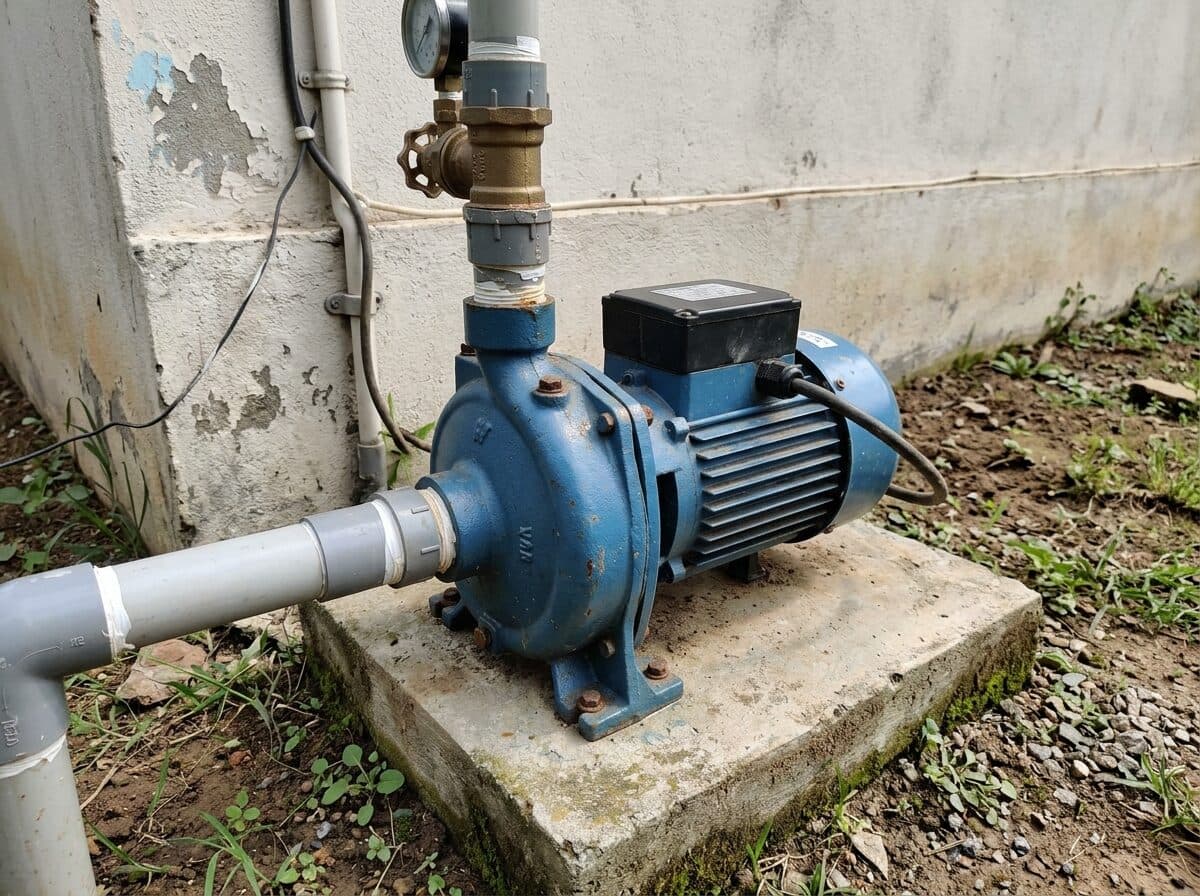
For surface pump installations, the Tankview device should be installed in a location that is easily accessible for maintenance and monitoring. Ensure that the device is mounted securely and that all connections are properly made according to the instructions provided in the user manual.
For submersible pump installations, ensure that the Tankview device is installed in a location that is protected from water ingress. Follow the manufacturer's guidelines for mounting and wiring, and verify that all connections are secure.